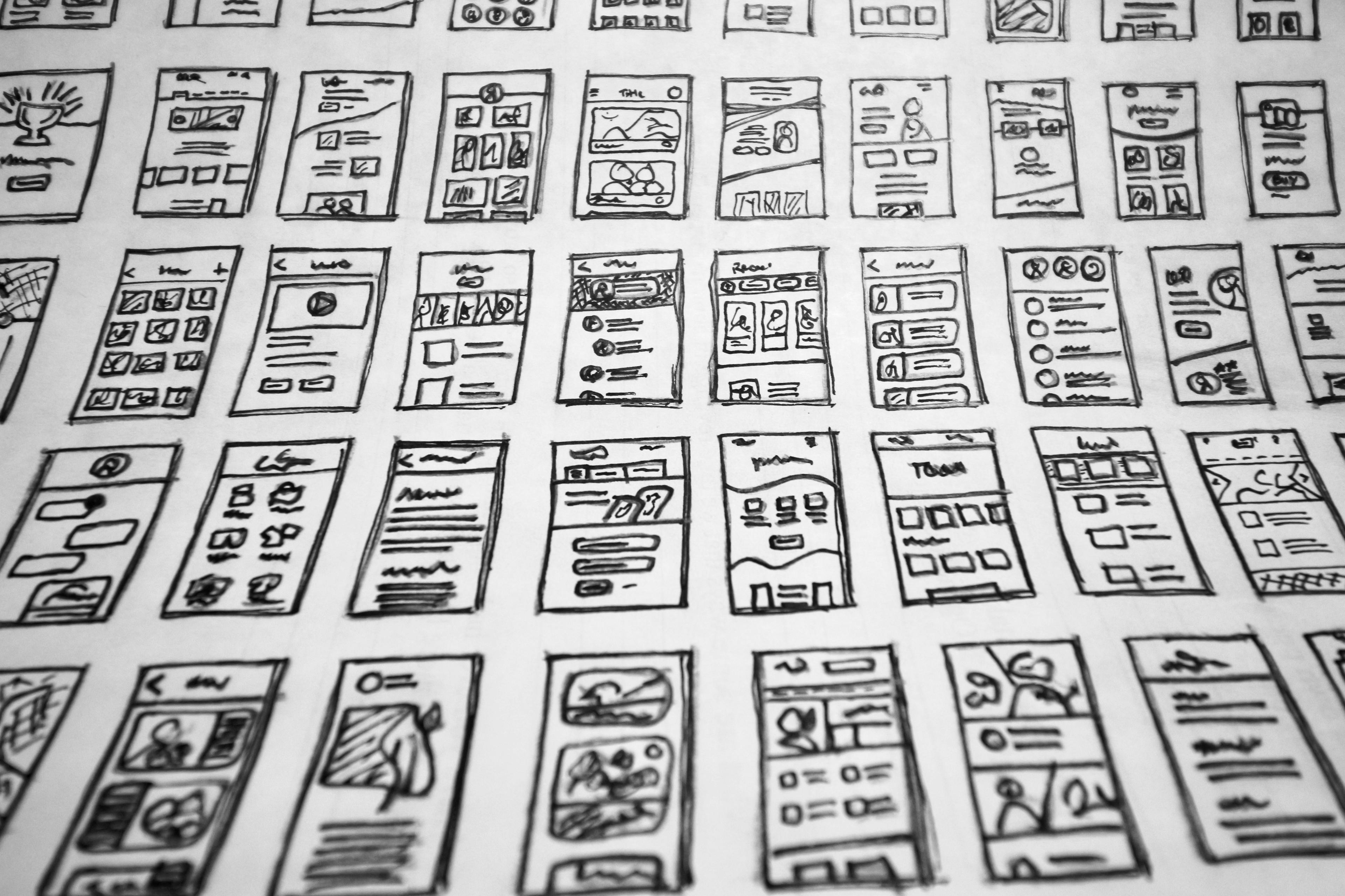
Top 5 UI/UX Tips to Make Your Website Look Better
By: Pracas Upreti, Information Technology Consultant
December 4, 2024
Your website is often the first thing people see when they want to learn about your business, service, or product. A beautiful, easy-to-use website helps people trust your brand, stay longer, and take the action you want them to take — like buying something, filling out a form, or calling you. That’s why **good UI/UX design** is very important. UI means **User Interface**, and it includes how your website looks — the colors, buttons, layout, and text. UX means **User Experience**, and it includes how the website works and how users feel when they use it. In this blog, we will share the **top 5 simple and effective UI/UX tips** that will make your website look better, work better, and help users have a great experience. Whether you are a beginner or just trying to improve your site, these tips are easy to understand and apply.
Keep the Design Simple and CleanOne of the most important rules in UI/UX design is to keep your website simple. Many websites are full of too much information, too many colors, and too many buttons. This makes it hard for users to know where to look or what to do. A clean website uses a **simple layout**, enough **white space** (empty space around things), and clear **visual hierarchy** (what is most important on the page). Use only 2 to 3 main colors. Choose 1 or 2 easy-to-read fonts. Make sure your headings stand out from your body text. Keep your paragraphs short and easy to scan. A clean design is not boring — it’s professional, easy to follow, and helps users focus on what matters most. When your site is simple, it loads faster, looks better on mobile, and keeps users happy. Less really is more in UI/UX.

Navigation is how people move from one page to another on your site. If users cannot find what they are looking for in a few seconds, they will leave. That’s why good UX design always includes clear and easy navigation. Start with a **simple menu at the top** of your site. Use familiar names like Home, About Us, Services, Blog, and Contact. Keep the number of menu items low. Use a **sticky menu** (that stays on top as users scroll) for better access. Add a **search bar** if your website has many pages. Also, use clear buttons like “Learn More,” “Buy Now,” or “Get Started” to help users take action. Your links and buttons should look clickable, with clear colors and hover effects. The goal is to make users feel confident while moving through your site, without getting lost or confused.
Make Your Website Mobile-FriendlyToday, more than half of internet users browse on mobile devices. That means your website must look and work well on phones and tablets, not just desktops. A mobile-friendly website uses **responsive design**, which means it changes shape to fit different screen sizes. Your text should be easy to read without zooming. Your buttons should be big enough to tap with a finger. Images should load fast and fit inside the screen. A good UI/UX tip for mobile is to **stack content vertically** (top to bottom) and use short menus or a hamburger icon (three lines) for small screens. Always test your site on different devices before publishing. Google also gives better rankings to mobile-friendly websites, so it helps with SEO too. A smooth mobile experience shows users that you care about quality and accessibility.
A **Call-to-Action (CTA)** is a button or link that tells the user what to do next — like “Sign Up Free,” “Download Now,” or “Book a Call.” CTAs are very important in UI/UX design because they guide the user to take action. A good CTA should be short, clear, and placed in the right spots — like at the top of the page, after important content, and at the bottom of the page. Use **strong verbs** and action words in your CTA text. The design should stand out from the rest of the page, using a different color or shape. Don’t use too many CTAs on one page, or users might get confused. Instead, focus on **one main goal per page**. For example, on a contact page, the main CTA could be “Send Message.” Clear CTAs increase conversions and give users direction, which improves both UI and UX.
Test Your Website and Keep ImprovingEven the best websites need updates. That’s why testing is a key part of UI/UX design. Once your site is live, watch how users interact with it. You can ask friends or customers to use your site and tell you what they like or don’t understand. Use free tools like **Google Analytics** or **Hotjar** to track how people move through your site. Are they clicking the right buttons? Are they leaving too soon? This information helps you find problems and fix them. Make small improvements over time — change button positions, improve loading speed, rewrite headlines, or try new colors. Also, test your website on different browsers and screen sizes. A great UI/UX designer always learns from real users. This ongoing process is called **user-centered design**, and it helps make your site better and more useful every day.
UI/UX design is not just about making your website look pretty — it’s about **making it useful, enjoyable, and easy to use**. When people visit your site, they want answers fast, clear steps to follow, and a smooth experience. By following these top 5 UI/UX tips — keeping it simple, improving navigation, making it mobile-friendly, using clear CTAs, and testing regularly — you can turn a normal website into a great one. These tips are easy to apply, even if you are just starting your design journey. And best of all, good design brings real results: more visitors, more sales, and a stronger online presence. So start today, improve your website’s UI/UX step by step, and give your users a reason to stay, explore, and trust your brand.