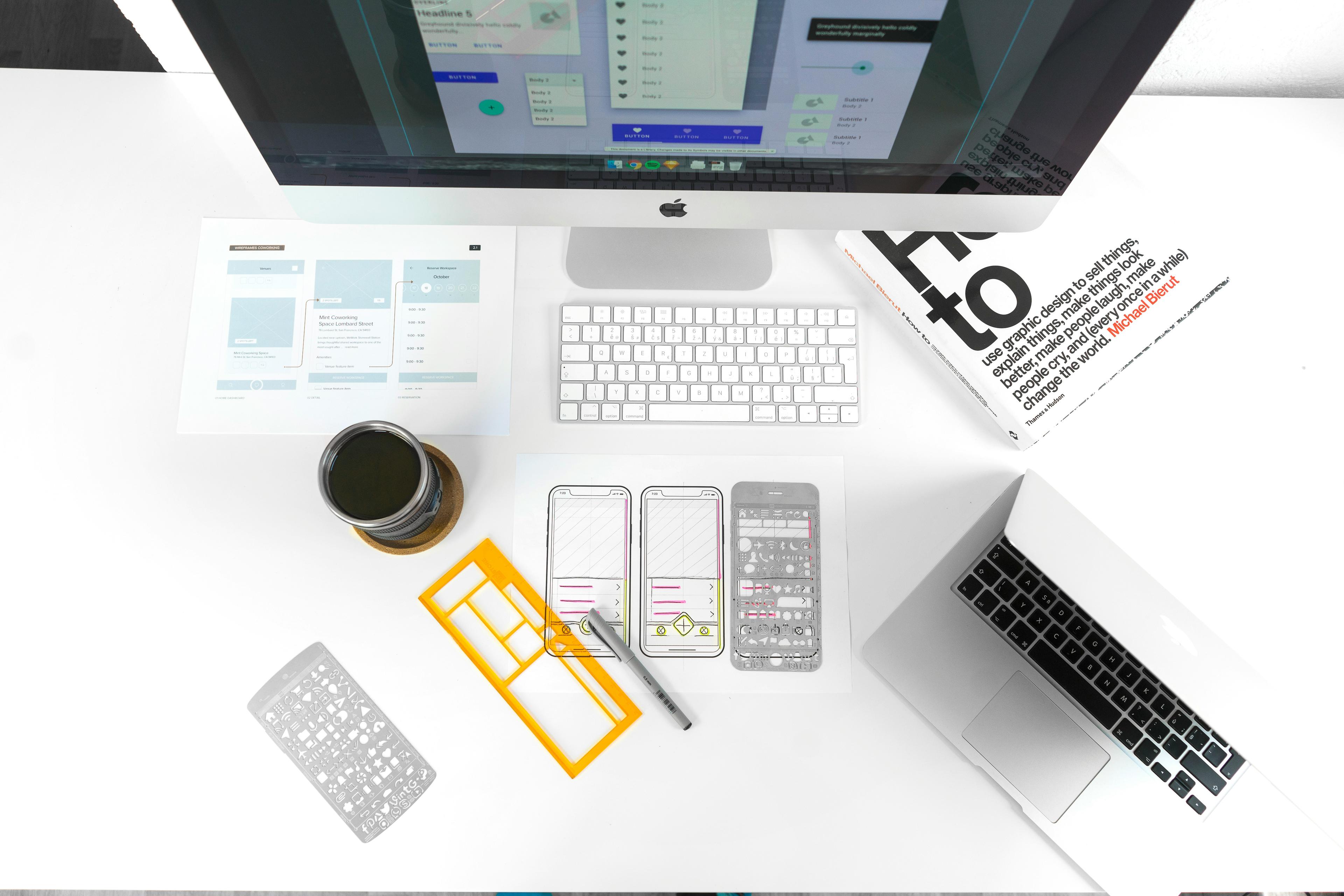
What is UI/UX Design? A Beginner’s Guide
By: Pracas Upreti, Information Technology Consultant
June 26, 2025
We use websites and mobile apps every day — for reading news, buying clothes, booking tickets, chatting with friends, or learning online. But sometimes, a website or app feels easy, fast, and smooth. Other times, it feels slow, confusing, and difficult to use. Why does this happen? The answer is usually related to **UI/UX design**. These two terms are very common in the world of technology and design. But for many beginners, UI and UX can sound confusing or too technical. Don’t worry — in this blog, we will explain UI/UX design in a very easy way. We’ll learn what it means, why it is important, how UI and UX are different, and why learning it is a good idea for everyone.
Let’s start by understanding what UI and UX mean. UI stands for **User Interface**, and UX stands for **User Experience**. These two parts work together to make websites and apps easy and enjoyable to use. The **user interface (UI)** is what the user sees on the screen. It includes the buttons, colors, icons, menus, images, text, and layout. For example, when you open a mobile app and see a big red button that says “Start Now,” that’s part of the UI. The UI is responsible for how the website or app looks and how users interact with it. A clean and simple UI helps users understand where to click and what action to take. It should look attractive and be easy to understand, even for someone using it for the first time.
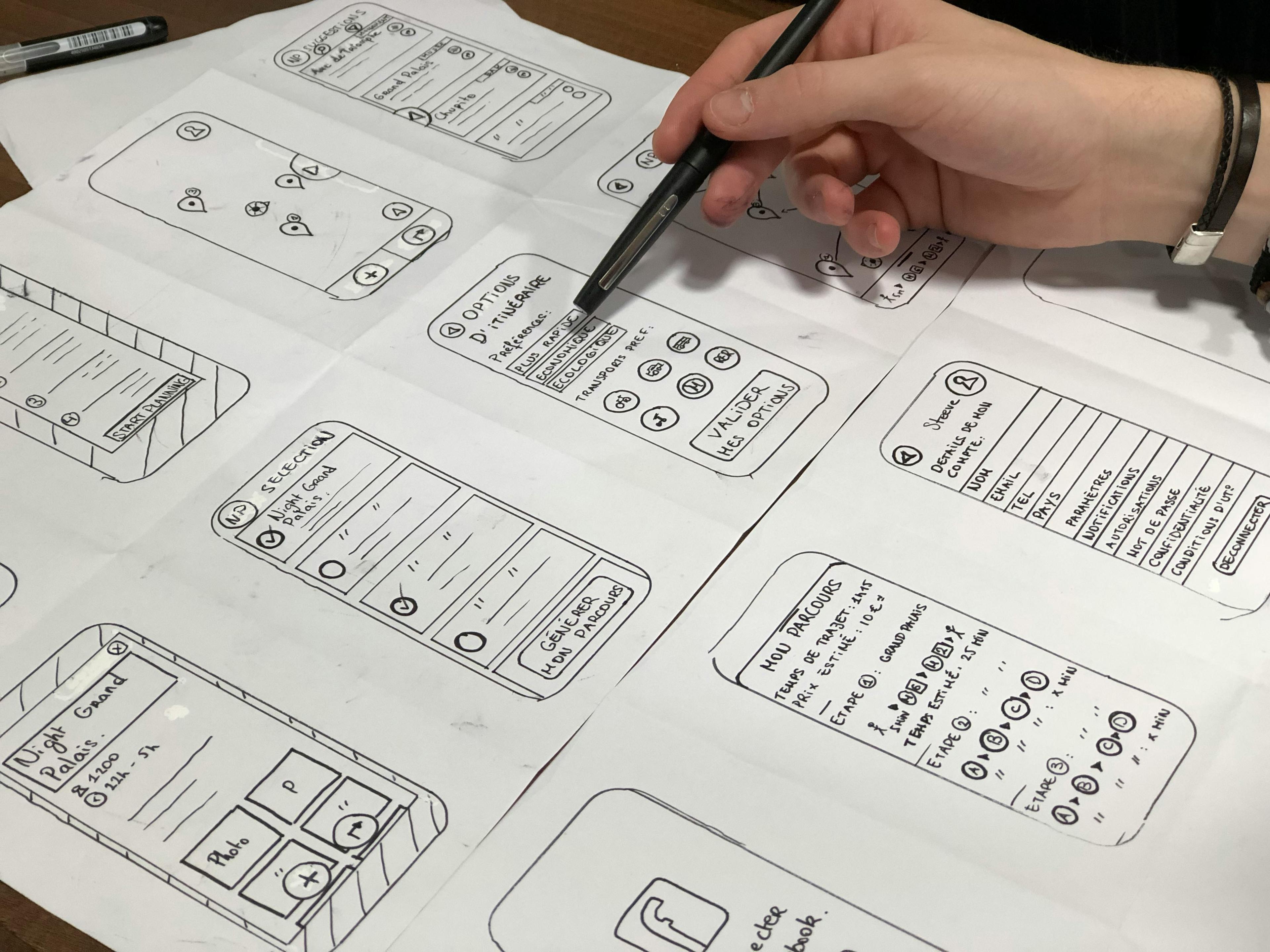
To understand this better, let’s take a few real-life examples. Think about a car. The steering wheel, buttons, dashboard, and touchscreen are all parts of the **UI** — these are the things you can see and touch. But how the car feels when you drive it — how comfortable it is, how smoothly it turns, and how easy it is to park — that’s the **UX**. Another example is a restaurant. The design of the menu, the table setup, the lights, and decorations are all part of the **UI**. But your total experience — how polite the staff are, how quickly you get your food, how tasty the food is, and how easy it is to pay the bill — is part of the **UX**. Similarly, on a website, UI is the layout and colors, while UX is how easy it is to find information and complete a task.
Now, let’s talk about why UI/UX design is so important. In today’s digital world, almost every business needs a good website or app. Whether it’s a hospital, school, online shop, or travel company — they all need to provide a great experience to their users. If users visit a website and feel confused, they will quickly leave and go somewhere else. But if they find it simple, fast, and beautiful, they will stay longer, trust the brand, and even recommend it to others. Good UI/UX design increases customer satisfaction, brings more visitors, helps convert them into buyers, and builds trust over time. It also reduces errors and saves time and cost for the company. Investing in UI/UX is not just about design — it’s a smart business decision that improves performance and customer loyalty.
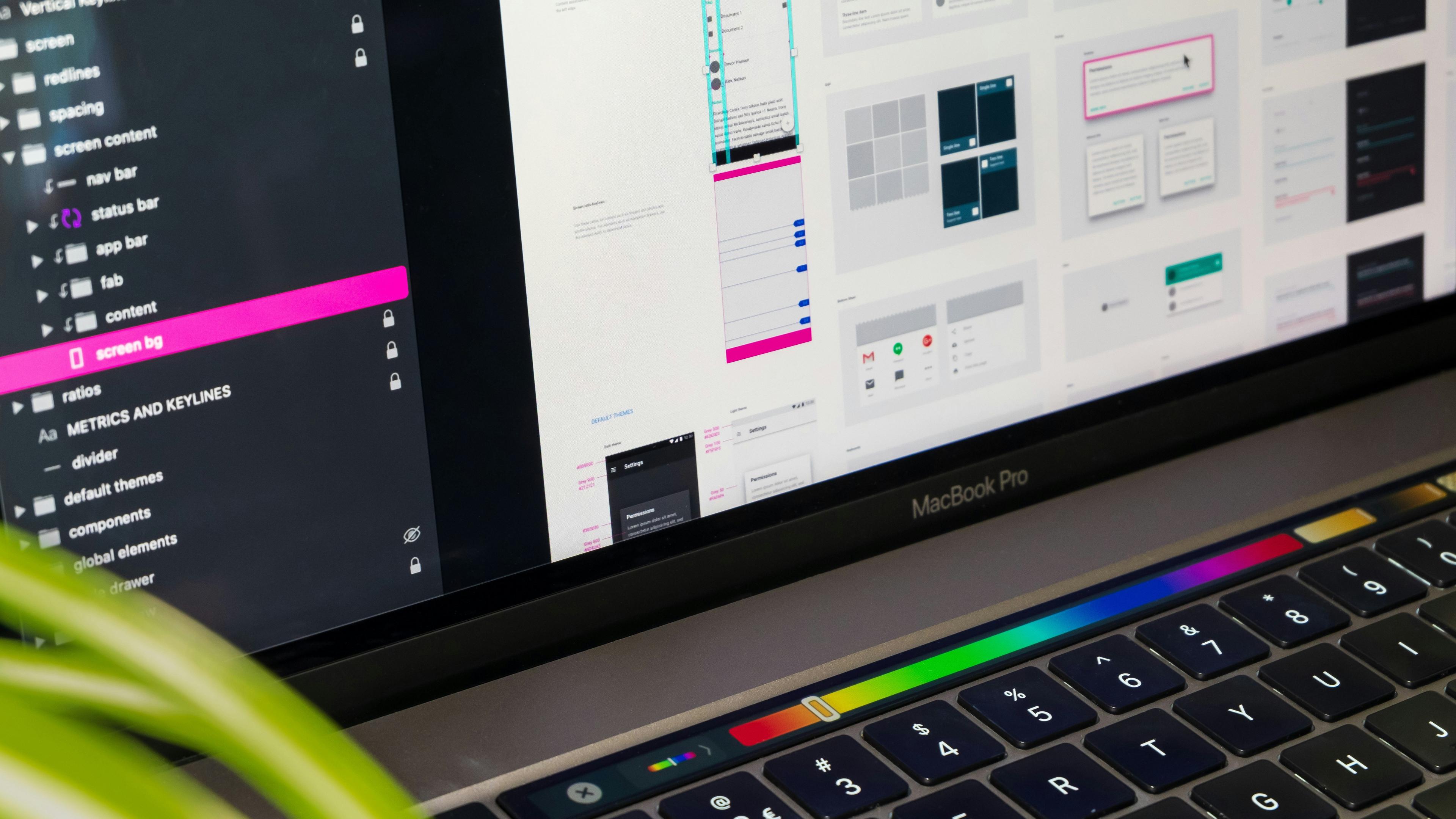
Now you may be wondering — can anyone learn UI/UX design? The good news is: **Yes!** You don’t need to be a professional coder or an expert to start learning. If you are curious, creative, and enjoy solving problems, you can begin your journey in UI/UX. Many people from different fields — like graphic design, content writing, teaching, and even business — have started learning UI/UX and building their careers. To start, you can explore free tools like **Figma**, **Adobe XD**, or **Canva**. You can watch tutorials on YouTube, read beginner blogs, and practice by creating simple designs. Try to think like a user — what would make their journey easier? What colors look friendly? What steps should come first? These are questions that UI/UX designers ask every day. With time and practice, you’ll learn how to create wireframes (basic page layouts), prototypes (clickable samples), and full designs that people enjoy using.
In conclusion, UI/UX design is one of the most important skills in the digital age. Whether you want to make your own website, help others improve theirs, or start a new career, UI/UX can open many doors. It’s all about making life easier for users by creating websites and apps that look good and work well. Remember: **UI is what people see**, and **UX is what people feel**. When both are done right, the result is a product that users love and trust. So if you are a beginner, don’t be afraid to start small. Learn step by step, build simple designs, and keep improving. Great designers are not born — they are made through practice, patience, and passion. Start today, and who knows — your designs could be the next big thing in the digital world!